Load your own M3U or Xtream Codes playlist and watch live TV, movies and series with a real TV guide. Cloud Sync carries it all from your phone to your TV.
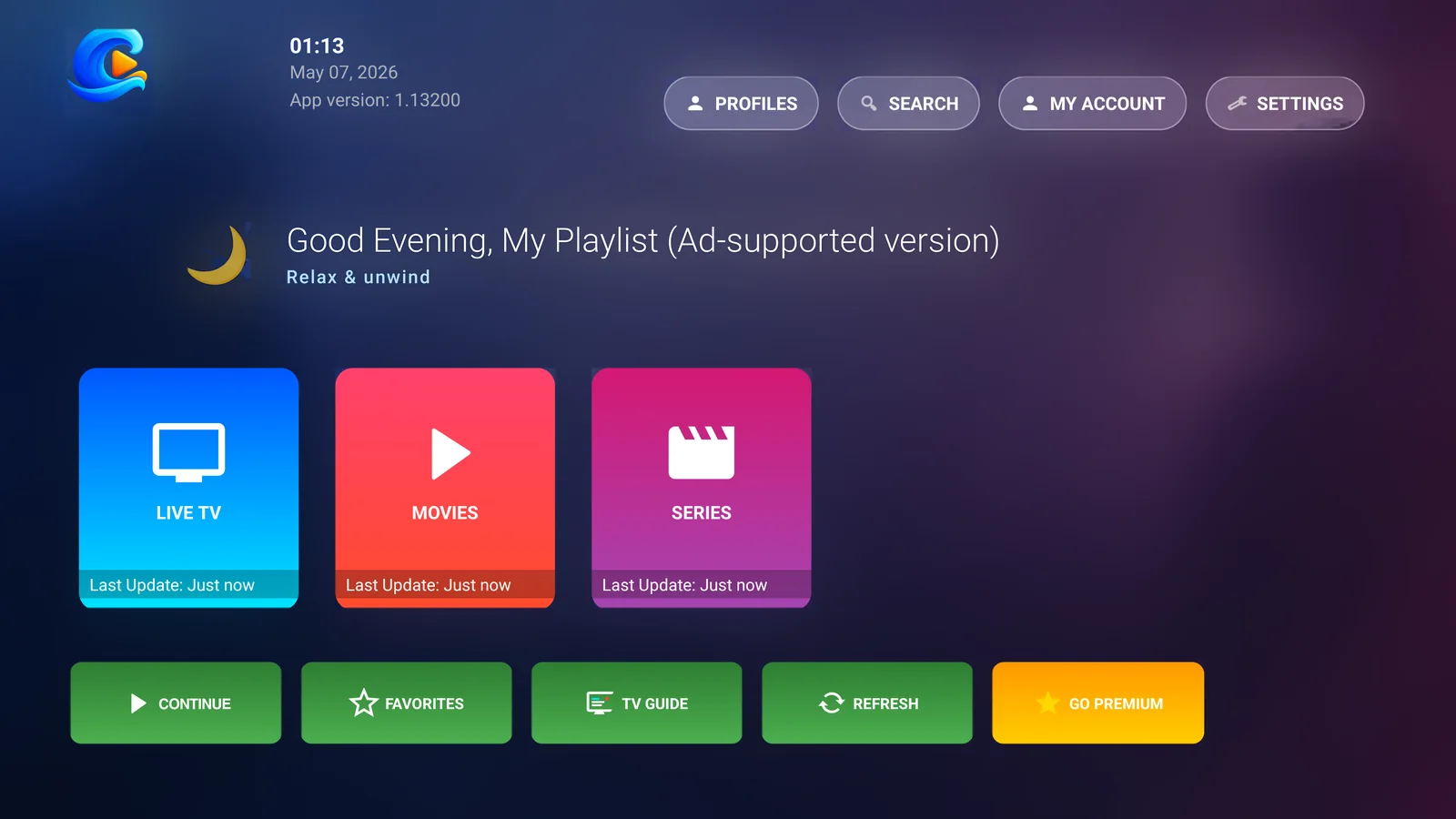
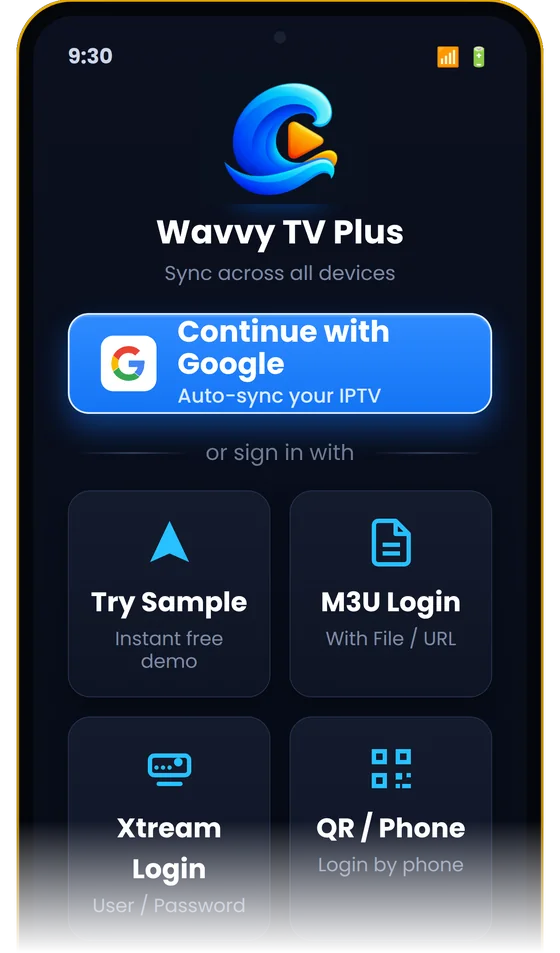
The same app runs on your phone, your tablet and your Android TV, and each screen is built for how you use it.
Made for the remote: big tiles, quick channel switching and QR sign-in so you never type with the D-pad.
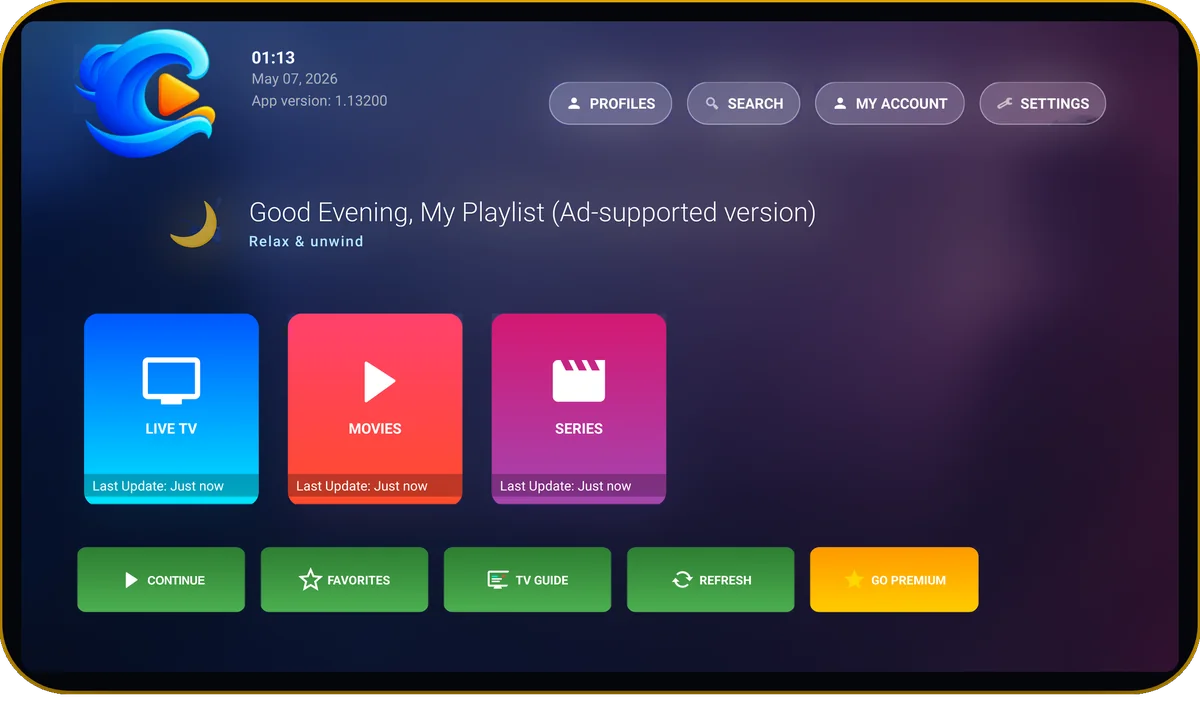
A full-width guide, Multi-View and details pages that use every pixel of the larger screen.
Swipe for brightness and volume, Picture-in-Picture, and your TV's playlist already there when you sign in.
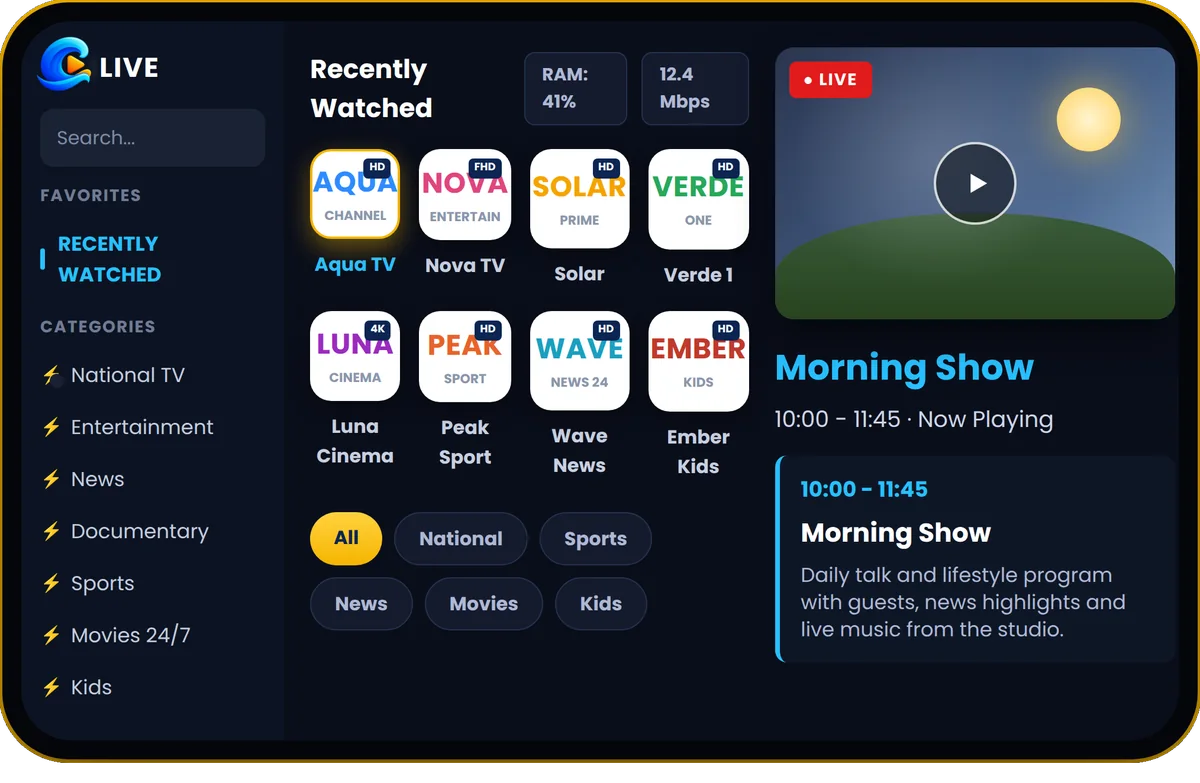
Use the guide that comes with your playlist or add your own XMLTV EPG address for each profile. See what is on now and next, and find recently watched channels at the top.
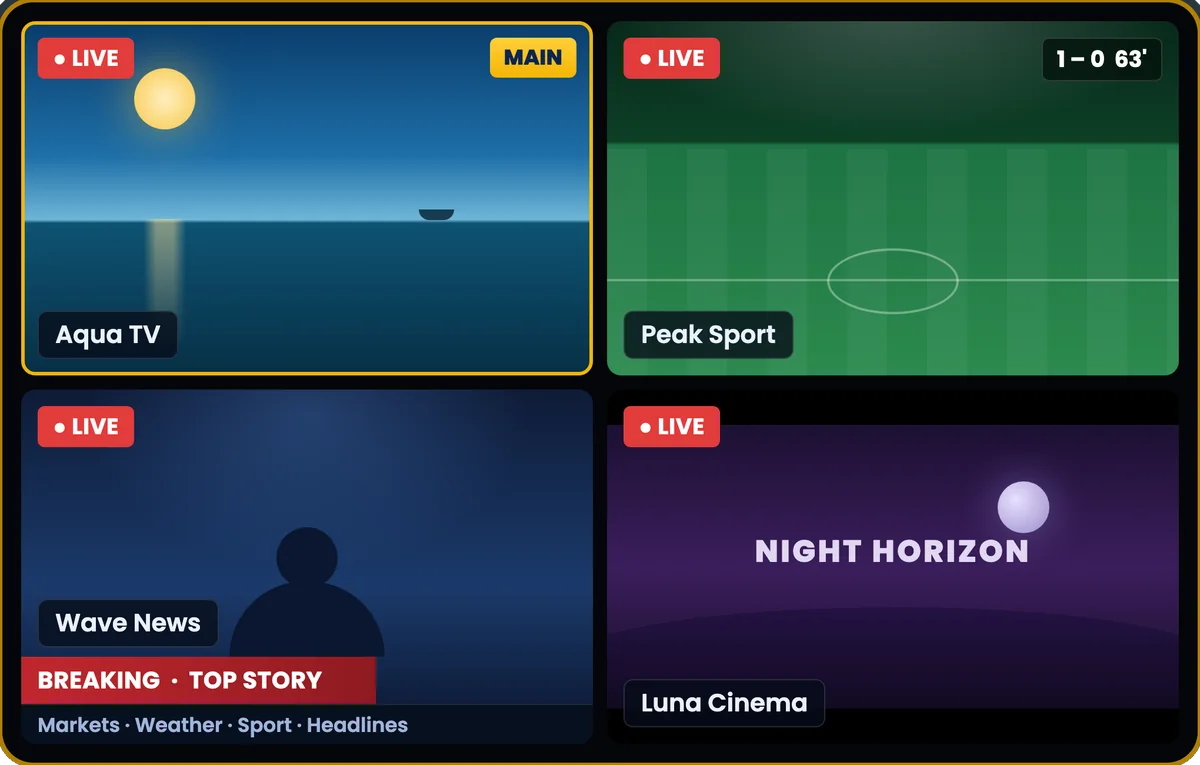
Watch several live streams at once in a 2, 4 or 8 window grid. Pick which window you hear, open a channel list on any tile, and change audio or subtitles without leaving the grid.
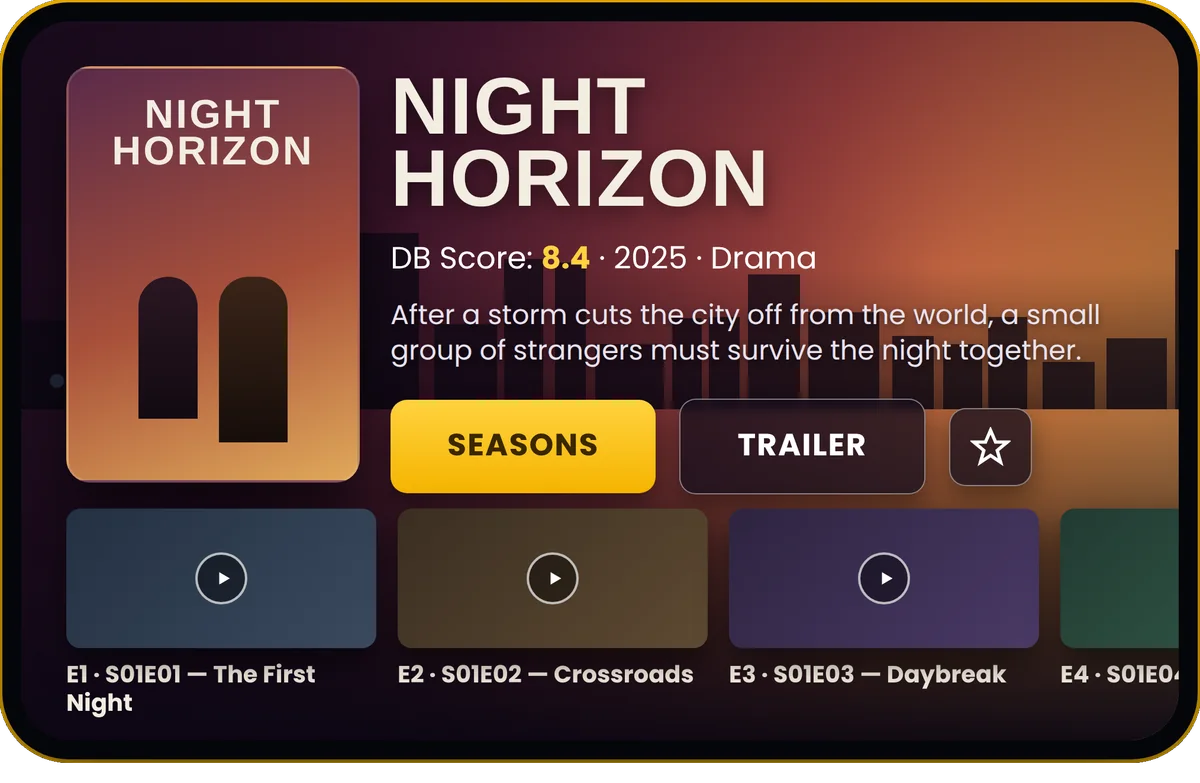
Cast, trailers, ratings and related titles for your movies and series. In fullscreen, a season and episode panel lets you jump to the next episode from the remote.
And a few things you wouldn't.
When a stream stutters, Wavvy holds the picture and reconnects step by step instead of dropping you to a black screen. It tells you when the fault is on the provider's side.
Sign in with Google once. Playlists, favorites, history and settings follow you from phone to TV, and Continue Watching resumes where you stopped.
No typing long server details with a remote. Scan a QR code with your phone, fill in the details there, and the TV signs in by itself.
One space for everyone, or one profile per provider, each with its own playlist, favorites and watch history.
Reorder categories, hide what you never watch, rename what your provider named badly, and sort by name, newest or rating.
4K UHD, HDR, HEVC, Dolby Vision and Dolby Digital on supported devices, tuned for Android TV boxes.
Test speed against your own provider's stream and keep bitrate, FPS and RAM on screen while you watch.
Hide adult categories behind a 4-digit PIN.
The whole app is translated, including Arabic and other right-to-left languages.
Can't find your answer? Email us at wavvytvplus-support@rizeteknoloji.com.tr.
No. Wavvy TV Plus is a media player only. It does not provide, host or sell any channels, streams or media. You add a playlist from the IPTV provider you already use.
M3U, M3U Plus and M3U8 playlists (by link or file), the Xtream Codes API, and Stalker portals used by MAG boxes (portal URL and MAC address, currently in beta). You can also add your own XMLTV EPG address for the TV guide.
Yes. Choose Try Sample on the sign-in screen. The demo plays publicly listed channels from the independent iptv-org project so you can see how the player works before you add your own list.
Yes, Wavvy TV Plus is free to use. New users get a period of free, ad-free access; after that you can keep using the free version, which may include ads and limits, or upgrade to Premium. Premium is available as a subscription or as a one-time lifetime purchase through Google Play.
Choose QR / Phone on the TV. Scan the QR code with your phone, enter your playlist details there, and the TV signs in by itself.
Yes. Sign in with the same Google account on each device and Cloud Sync brings over your playlists, favorites, watch history and settings. Continue Watching picks up where you stopped on the other device.
Android phones and tablets, Android TV, Google TV and Android TV boxes running Android 7.0 or newer. Install it from Google Play.
Wavvy reconnects automatically when a stream drops, and it tells you when the problem is on the provider's side. You can run the built-in speed test against your own provider's stream to check your connection. If a channel does not play at all, check with your provider that it is working.
In the app, go to ACCOUNT → My Account & Cloud Sync → Remove Account, or use the account deletion page.
It does not provide, host or sell any channels, streams or media. You add a playlist from your own provider. The optional demo mode plays publicly listed channels from the independent iptv-org project so you can try the player first.
Wavvy TV Plus is free to use. Premium is optional and lifts the viewing and profile limits.
Install it on your TV and phone, sign in once, and you're set.